Filename Download Button
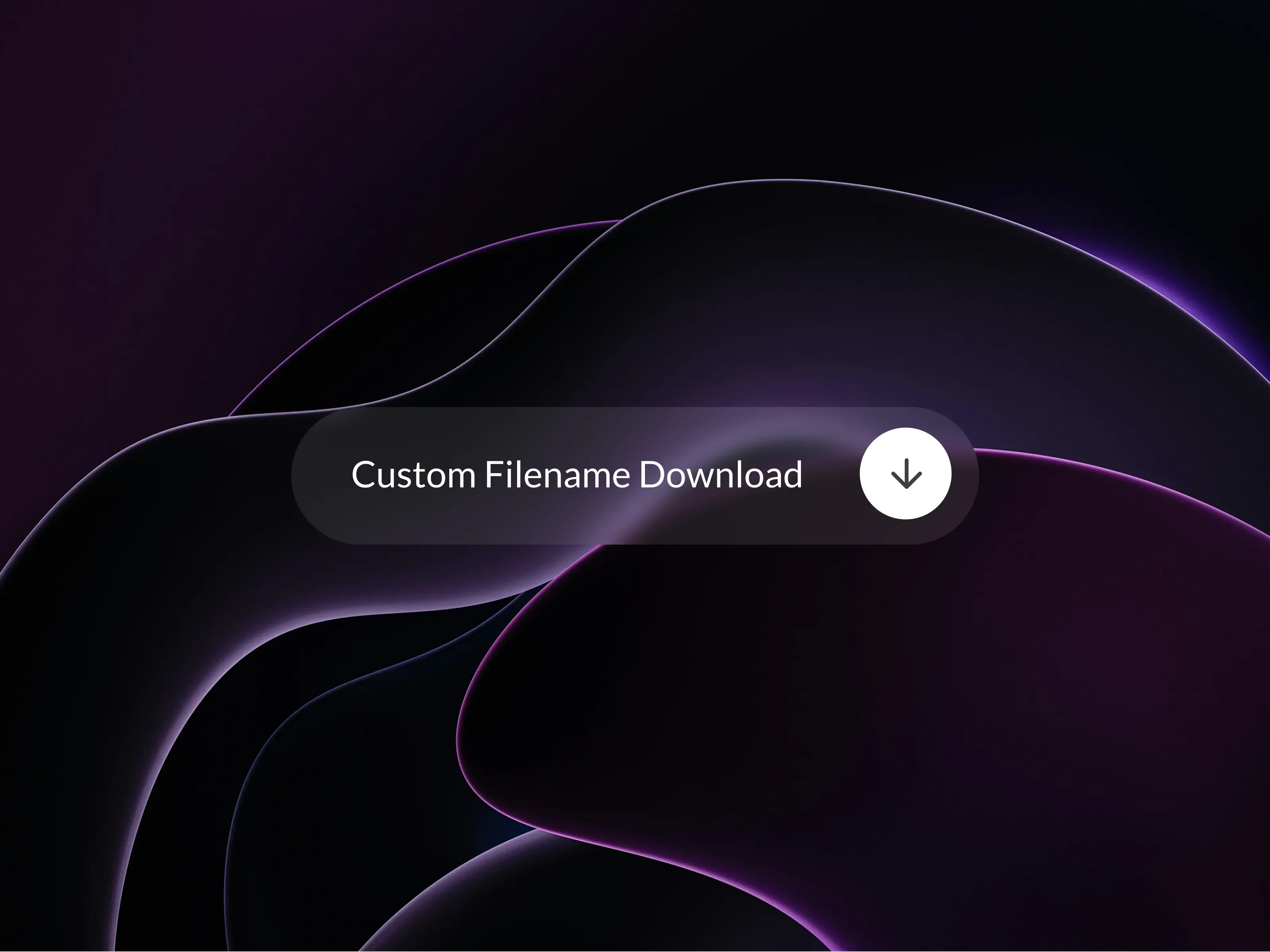
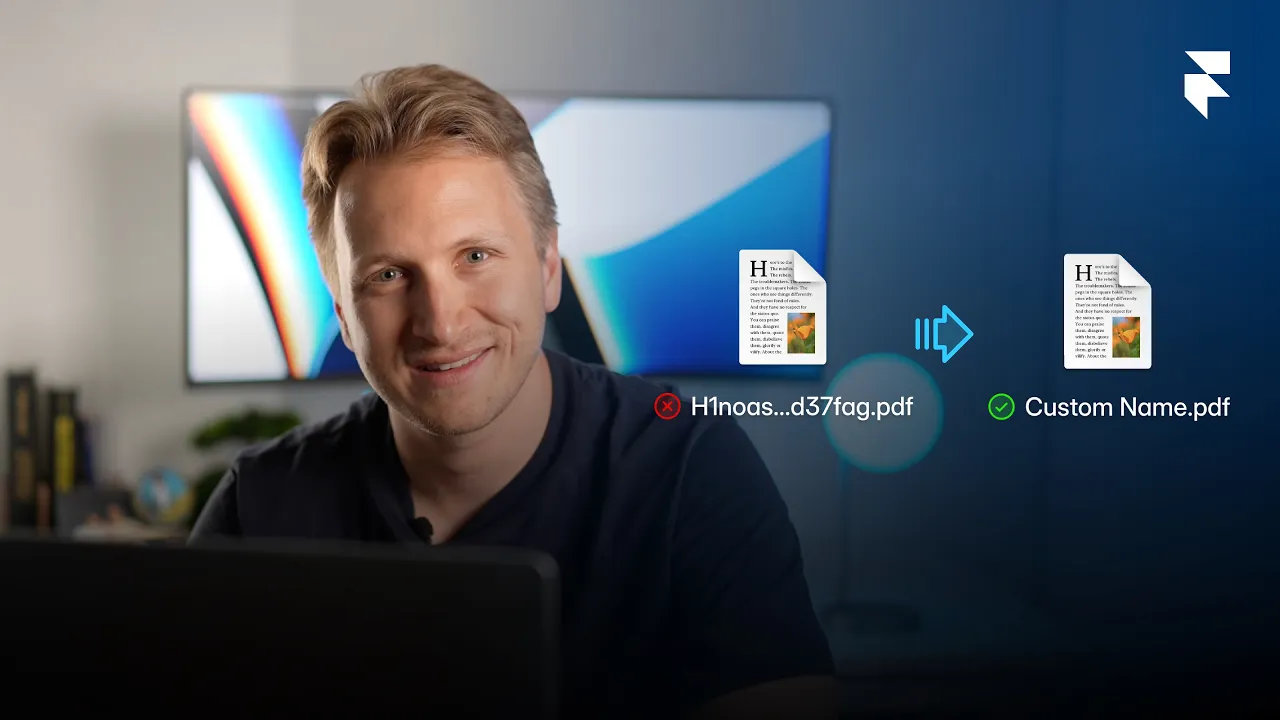
Custom Filename Download lets you control how downloaded files are named in Framer. Upload any file and define the exact filename users receive instead of the default hashed version.
A small, self-contained component that fixes one of the most common limitations in Framer file downloads. Instead of delivering files with long hashed names, it forces a clean, professional filename of your choice. Upload any file, type the name you want, and the component handles the full download flow automatically.
Prefer it written out? The step by step guide walks through the setup and the CMS version with screenshots.
Typical use cases
Downloading PDFs, images or other assets
Delivering client files without hashed names
Replacing Framer’s default download behavior with something cleaner
Any case where a user should receive a file with a clear, readable name
How to use
Drag the component onto your canvas
Upload your file
Enter the filename users should receive
Place the button you want to use anywhere on the canvas, outside the frame
Select that button from the "Button dropdown" to link it
The linked button will automatically appear where you placed the Filename Download component
Clicking it will now download the file with the correct filename instead of the hashed one
Features
Clean, custom filenames instead of hash strings
Works with any Framer button component
Fully customizable styling through your own button
No external dependencies
Smooth and reliable download behavior
Performance
Lightweight, client-side only, no additional setup required.
Easy to implement
Important note
This component does not include its own button.
A button must be placed on the canvas so it becomes available in the Button dropdown.
Once linked, the component uses the full style, variants and animations of your button without modification.
Author

Alexander Winter
Founder & Writer
Alexander is the founder of HIVER, writing about design, branding and building products that people love to use. He is deeply rooted in SaaS, tech marketing and branding, and brings strong expertise in video production and storytelling.